


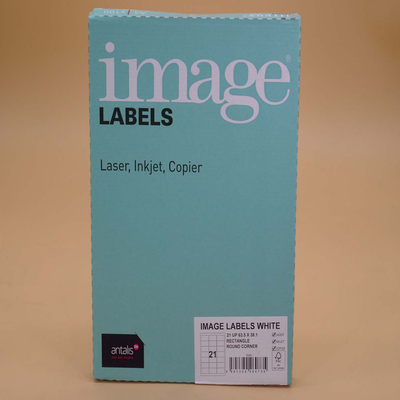
Image Labels
(19 Item(s))
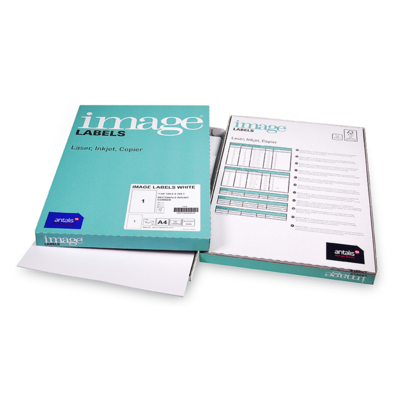
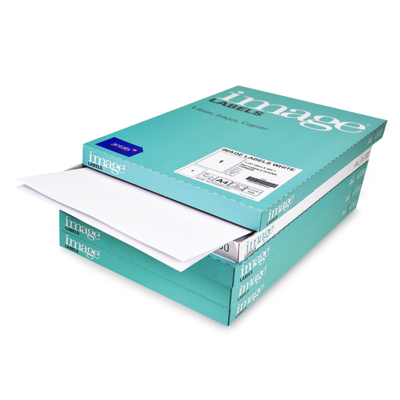
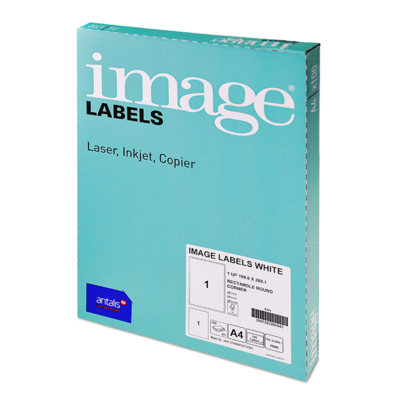
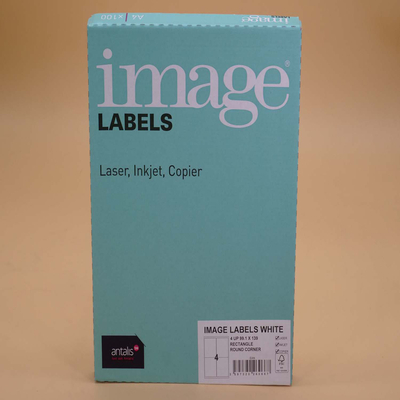
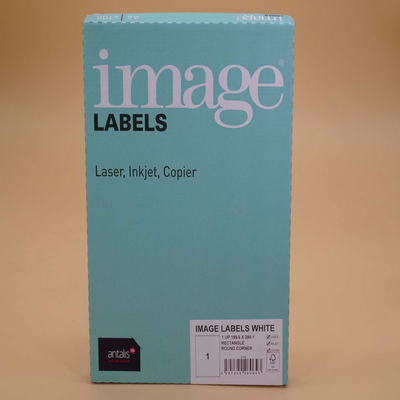
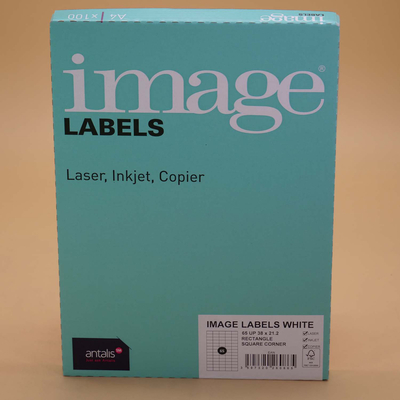
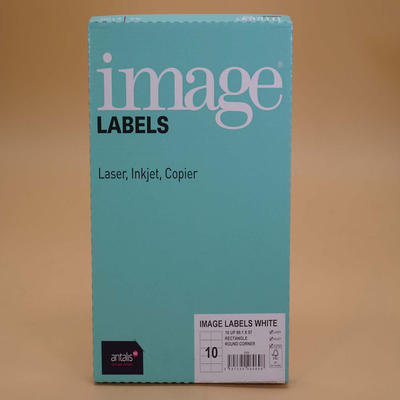
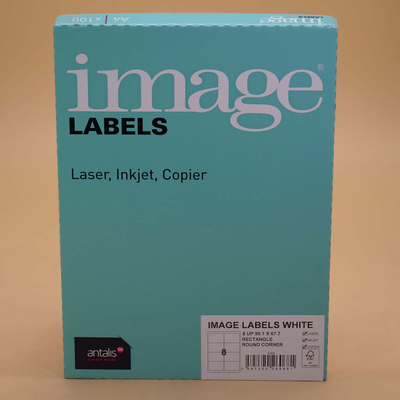
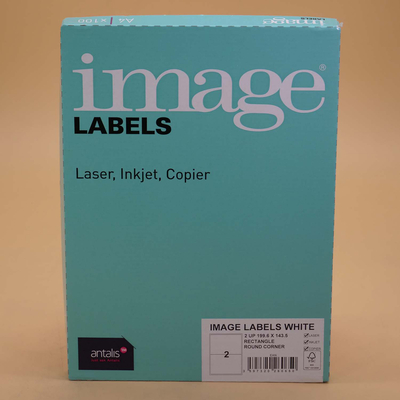
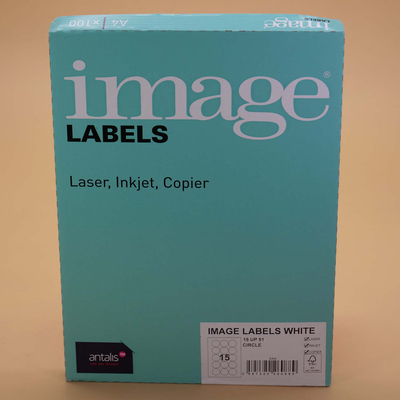
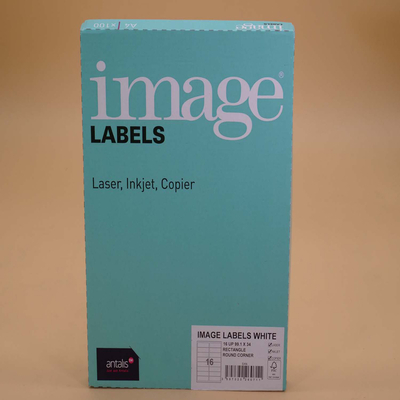
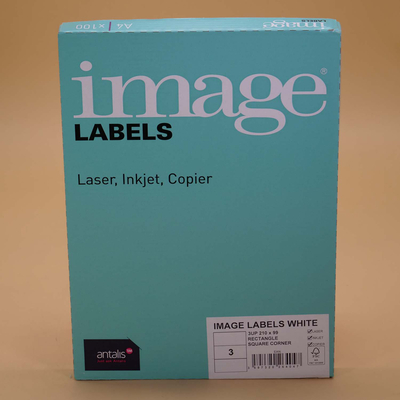
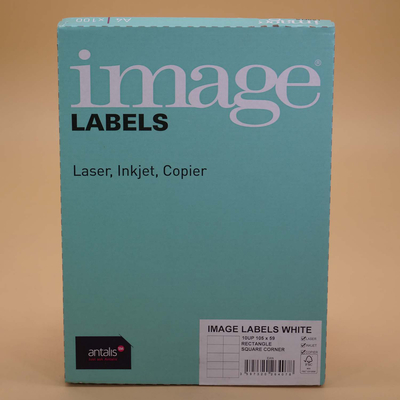
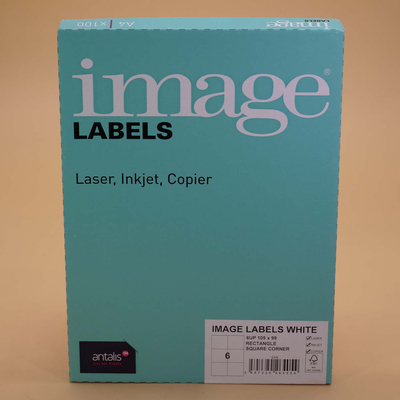
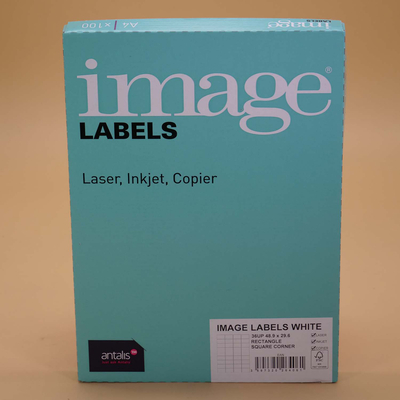
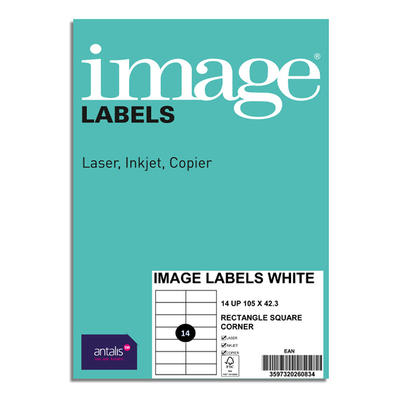
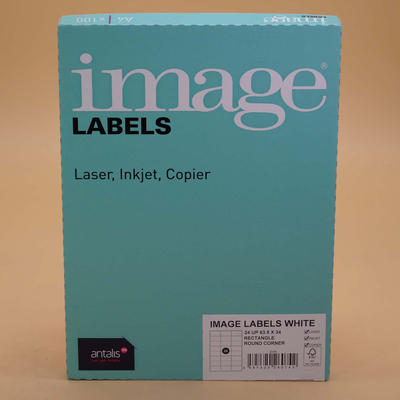
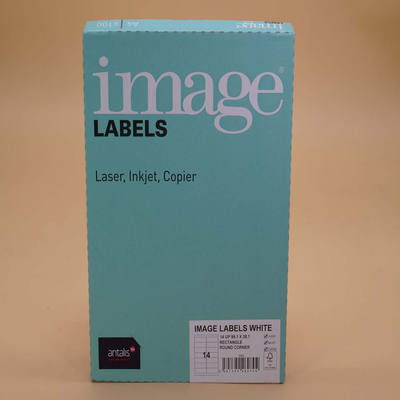
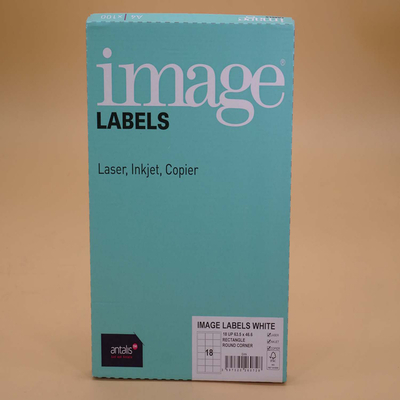
Image Labels is a range of uncoated, woodfree, label papers, in several formats and type of corners (round or square), with a permanent adhesive back to ensure outstanding adhering performances. You can use this self-adhesive paper to print address labels for envelopes and packages, or information tags for filling and archiving purposes. Image Labels are very easy to customise and the related templates are downloadable for free from our web site. Multiprint Image Labels are packed in 100, A4 sheets per box for easy transportation and storage - A4 is also the standard size for office and desktop printing applications and furthermore, this range of label paper is guaranteed for offset litho and dry toner devices. Image Labels papers are eco-friendly, FSC certified, Elemental Chlorine Free (also known as ECF, meaning that chlorine dioxide has been used instead during the bleaching process). Image A4 Multiprint Permanent White Labels are available in 121gsm, and several dimensions to cover all your labelling needs. Compliant with ISO 14001.

Key Features
- - Multi-purpose labels in variety of popular sizes
- Chill grade permanent adhesive
- Uncoated wood free face paper
- Suitable for desktop and high speed printing, as well as single sheet fed or auto-fed printers
Relevant Techniques
- Offset Litho, Laser and inkjet printable.
Guarantees
- Guaranteed on colour inkjet, laser printers and copiers
Maximum age resistance for archiving (ISO9706)
ISO 9001
OHSAS 18001
Environmental Information
- ISO 14001
Heavy metals certificate
REACH compliant
ECF
Additional Features
- Multifunctional high quality uncoated copier paper, Woodfree, ECF pulp, made from Eucalyptus Globulus fibres.
What can it be used for?
- Address labels for envelopes, packages etc. Perfect for filing, storage and archiving. Overlabelling 'out of date' text.
Filter
Price Ex. VAT
£ 23.53
Per 1 Pack(s)
(870 g )
STOCK AVAILABLE
Unit of measure matrix
Price Ex. VAT
£ 23.53
Per 1 Pack(s)
(870 g )
STOCK AVAILABLE
Unit of measure matrix
Price Ex. VAT
£ 23.53
Per 1 Pack(s)
(870 g )
STOCK AVAILABLE
Unit of measure matrix
Price Ex. VAT
£ 23.53
Per 1 Pack(s)
(870 g )
STOCK AVAILABLE
Unit of measure matrix
Price Ex. VAT
£ 23.53
Per 1 Pack(s)
(870 g )
STOCK AVAILABLE
Unit of measure matrix
Price Ex. VAT
£ 23.53
Per 1 Pack(s)
(870 g )
STOCK AVAILABLE
Unit of measure matrix
Price Ex. VAT
£ 23.53
Per 1 Pack(s)
(870 g )
STOCK AVAILABLE
Unit of measure matrix
Price Ex. VAT
£ 23.53
Per 1 Pack(s)
(870 g )
STOCK AVAILABLE
Unit of measure matrix
Price Ex. VAT
£ 23.53
Per 1 Pack(s)
(870 g )
STOCK AVAILABLE
Unit of measure matrix
Price Ex. VAT
£ 23.53
Per 1 Pack(s)
(870 g )
STOCK AVAILABLE
Unit of measure matrix
Price Ex. VAT
£ 23.53
Per 1 Pack(s)
(870 g )
STOCK AVAILABLE
Unit of measure matrix
Price Ex. VAT
£ 23.53
Per 1 Pack(s)
(870 g )
STOCK AVAILABLE
Unit of measure matrix
Price Ex. VAT
£ 23.53
Per 1 Pack(s)
(870 g )
STOCK AVAILABLE
Unit of measure matrix
Price Ex. VAT
£ 23.53
Per 1 Pack(s)
(870 g )
STOCK AVAILABLE
Unit of measure matrix
Price Ex. VAT
£ 23.53
Per 1 Pack(s)
(870 g )
LIMITED STOCK
Unit of measure matrix

Price Ex. VAT
£ 23.53
Per 1 Pack(s)
(870 g )
LIMITED STOCK
Unit of measure matrix
Price Ex. VAT
£ 23.53
Per 1 Pack(s)
(870 g )
Estimated delivery in 2 working days
Unit of measure matrix
Price Ex. VAT
£ 23.53
Per 1 Pack(s)
(870 g )
Estimated delivery in 2 working days
Unit of measure matrix
Price Ex. VAT
£ 23.53
Per 1 Pack(s)
(870 g )
Estimated delivery in 2 working days
Unit of measure matrix

Unit of measure matrix
Here you can see quantities by unit of measure
| Unit of Measure | Quantity |
Unit of measure matrix